FreeSex Chat → Guides → Free sex chat apps
Free sex chat apps: why the browser usually wins
Looking for a free sex chat app often leads somewhere unexpected: the browser. Major app stores restrict explicit content, so most adult chat services run on the web. That is mostly good news — if you know which downloads to steer clear of.
Why there are few explicit apps in the stores
Apple’s App Store and Google Play both restrict sexually explicit apps. Apps that allow adult conversation tend to keep their store versions restricted, or skip the stores entirely and run as websites. That is why searches for a “free sex chat app” so often end in a browser tab.
Web apps: the app without the store
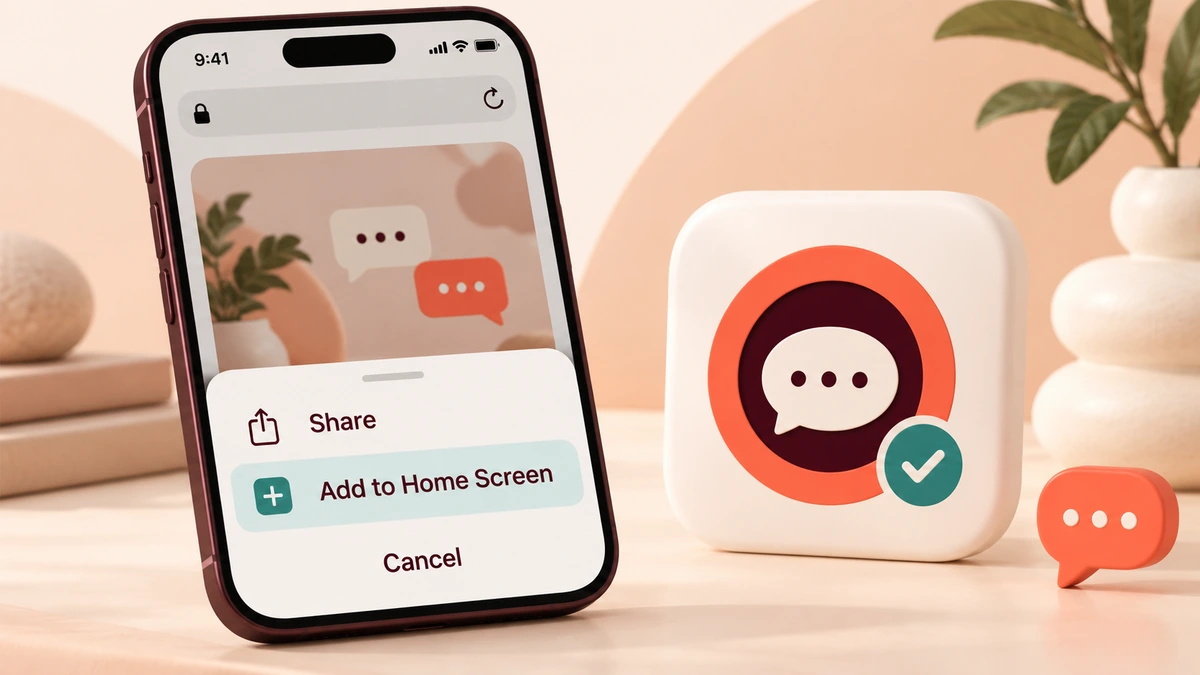
Many chat sites work as web apps: open the site in your phone’s browser and use “Add to Home Screen”. You get an icon, a full-screen window and quick access — with nothing installed from outside the store and nothing to update.
- No permissions to grant beyond what the site asks in the browser.
- Easy to remove — delete the icon.
- Private browsing still works.
Downloads to avoid
- Installer files from pop-ups promising “the full app”.
- “Players” or “codecs” needed to “unlock” chat.
- Copycat apps with famous-sounding names and aggressive in-app purchases.
- Apps that ask for contacts, SMS or accessibility permissions they do not need.
Installing apps from outside the official stores bypasses their security checks. For adult chat, there is almost never a good reason to.
App or browser: a quick comparison
| Browser / web app | Downloaded app | |
|---|---|---|
| Install risk | None | Depends on the source |
| Permissions | Minimal, per site | Can be broad |
| Notifications | Optional | Often on by default |
| Discretion | Private window, no icon if you want | Visible icon and notifications |
Keeping it discreet on your phone
Use a private browsing window, skip notifications, and if you add a home-screen icon, remember it is visible to anyone who uses your phone. For the safety side of free chat, see Is free sex chat safe?
Adding a web app to your home screen
- Open the chat site in your phone’s main browser.
- On iPhone, tap Share, then “Add to Home Screen”. On Android, open the browser menu and choose “Add to Home screen” or “Install app”.
- Name the icon something neutral if you prefer discretion.
- To remove it, delete the icon like any app.
A web app uses the same login and settings as the website. Nothing extra is installed beyond a shortcut and some cached files.
Permissions worth refusing
Whether you use a web app or a store app, a chat service needs very little from your phone. Notifications are optional; camera and microphone only matter for video or voice. Refuse requests for contacts, location, SMS or accessibility access — a chat service has no reason to need them, and they are favourites of malicious apps.
Apps — FAQ
Are there free sex chat apps?
A few, but app stores restrict explicit content, so most adult chat services run in the browser or as web apps.
What is a web app?
A website you add to your home screen from the browser. It opens like an app without being installed from a store.
Is it safe to download a sex chat app from a website?
Generally no. Installing outside official stores bypasses security checks, and fake chat apps are a common malware route.
Why does a chat site say I need a player to continue?
Real chat sites work in the browser. A demand to download a player or codec is a classic malware trick.
Is browser chat more private than an app?
Often, yes — a private window leaves no history, and there is no icon or notifications unless you add them.
Can I get notifications from a web app?
Some web apps offer them if you allow it. For discretion, leave them off.
More free-chat guides
No download needed
Open a free chat in your browser in seconds.